
Owens Brand Guide
A compilation of brand values, guidelines, and assets
Primary Logo
Your logo is the face of your company. It is often the first thing your audience sees and what comes to mind when they think of you. Owens' logo follows the same formula as the rest of Friesen Group's house of brands, which is a two color acronym logo paired with a sans serif typeface. The dark blue color remains unchanged from previous Owens logos to retain brand recognition.
To access your logo library and download files, scroll down to the assets library.

Approved Color Variations
Below is a comprehensive list of all approved color variations of the Owens logo to accommodate different scenarios. The logo should never be produced in any other colors.
For Light Backgrounds
Regular
Black

For Dark Backgrounds
Reverse
White

Clearspace
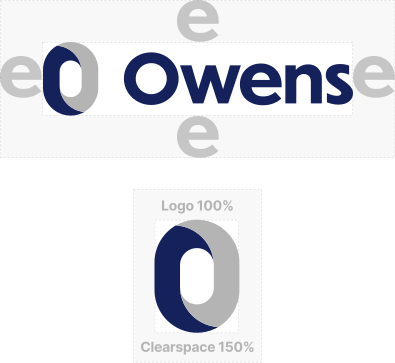
All logos need a certain amount of clearspace around them to ensure it stands out on its own and is not cluttered with any nearby elements. For Owens, that space is equal to the width of the “e” in the logo on all four sides at minimum. This measurement is scalable so it can be followed no matter what size the logo is being produced at.
When using the O only, include spacing around the logo that is 50% larger than the O itself.
Adding a Tagline
In the case that a tagline or other verbiage needs to be present, a set of guidelines have been established on how to style and position the text. This allows complete user control to change the subtext depending on the scenario while maintaining a consistent look throughout Owen's materials. If you need to include subtext with the logo in your document, make sure the text matches the following specifications:
- Font: Verdana Italic
- Color: 50% Black, #939598
- Placement: Directly under logo and right aligned
- Size: Small (6-12pt) Exact size varies depending on logo size and subtext length
See image example for approximate text sizing in relation to logo.

Dos and Don'ts
The following examples show some potential mistakes that should be avoided at all costs to protect the integrity of the Owens brand.
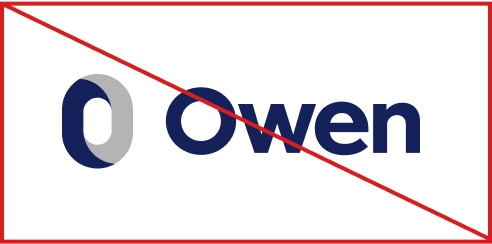
Do not remove elements
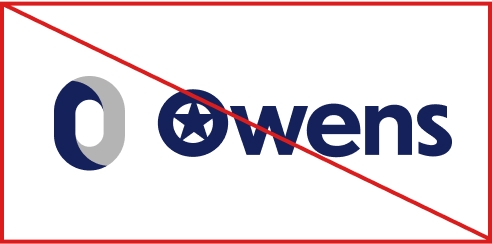
Do not add elements
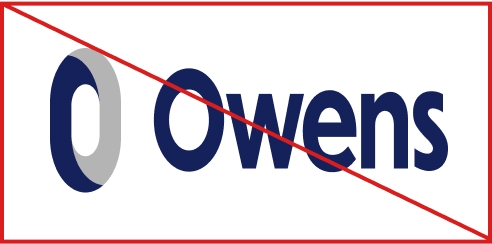
Do not stretch the logo
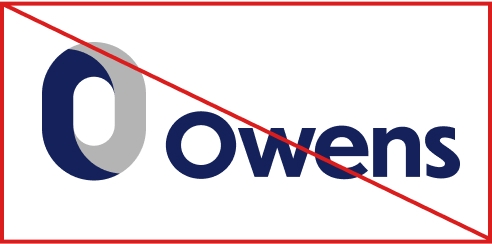
Do not resize or rearrange logo elements
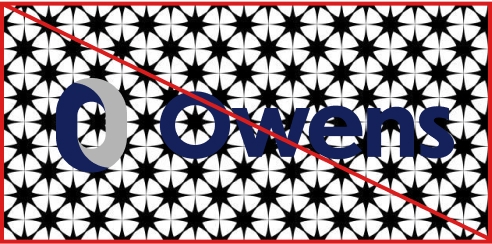
Do not place the logo over busy background images
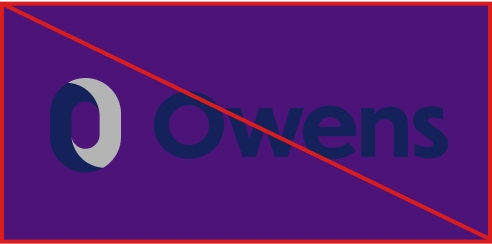
Do not place the logo on low contrast backgrounds
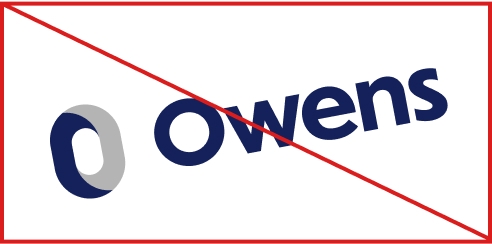
Do not rotate the logo
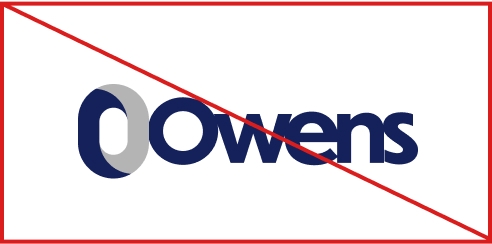
Do not change the spacing
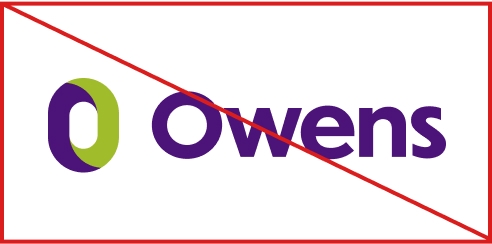
Do not change the colors
Styling
Colors
Color has a powerful effect on human emotions and plays a significant role in connecting with your customer base. For Owens, we have developed a simple color palette that feels calm, welcoming, and reliable.
Owens Blue
Primary- PMS 281 C
- CMYK 100 78 0 57
- RGB 25 48 98
- HEX #193062
Light Grey
- PMS N/A
- CMYK 0 0 0 35
- RGB 181 181 181
- HEX #B5B5B5
Apple Green
CTA- PMS 368 C
- CMYK 41 10 89 0
- RGB 160 188 43
- HEX #A0BC2B
Typography
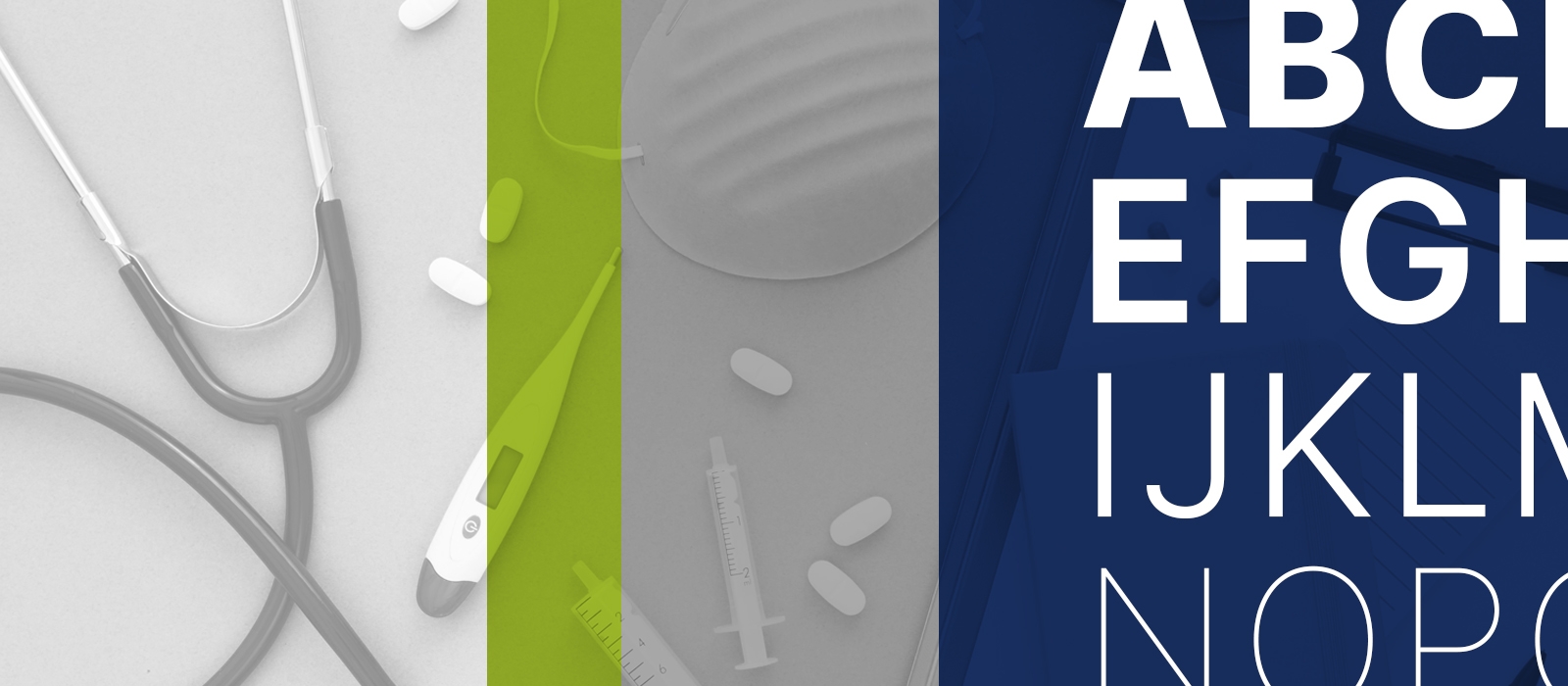
Typography not only plays a large role in expressing a brand's personality; it is also largely responsible for providing clarity in our messaging. It sets the tone to draw customers in, creates hierarchy to keep them focused, and captures their attention so they continue reading.
Owens' body font is Inter, a highly legible and versatile sans-serif font that provides a number of weight options. Owens' heading font is Patua One, a bold slab serif font that provides personality while still looking professional.
It is recommended to download and install these fonts to your computer so they can be used for all external facing documents. Files are available to download in your assets library.
Brand Font: Inter
Thin
ExtraLight
Light
Regular
Medium
SemiBold
Bold
ExtraBold
Black
AaBbCcDdEeFfGgHhIiJjKkLlMmNOoPpQqRrSsTtUuVvWwXxYyZz1234567890!?@#$%^&*()
Application
Business Cards
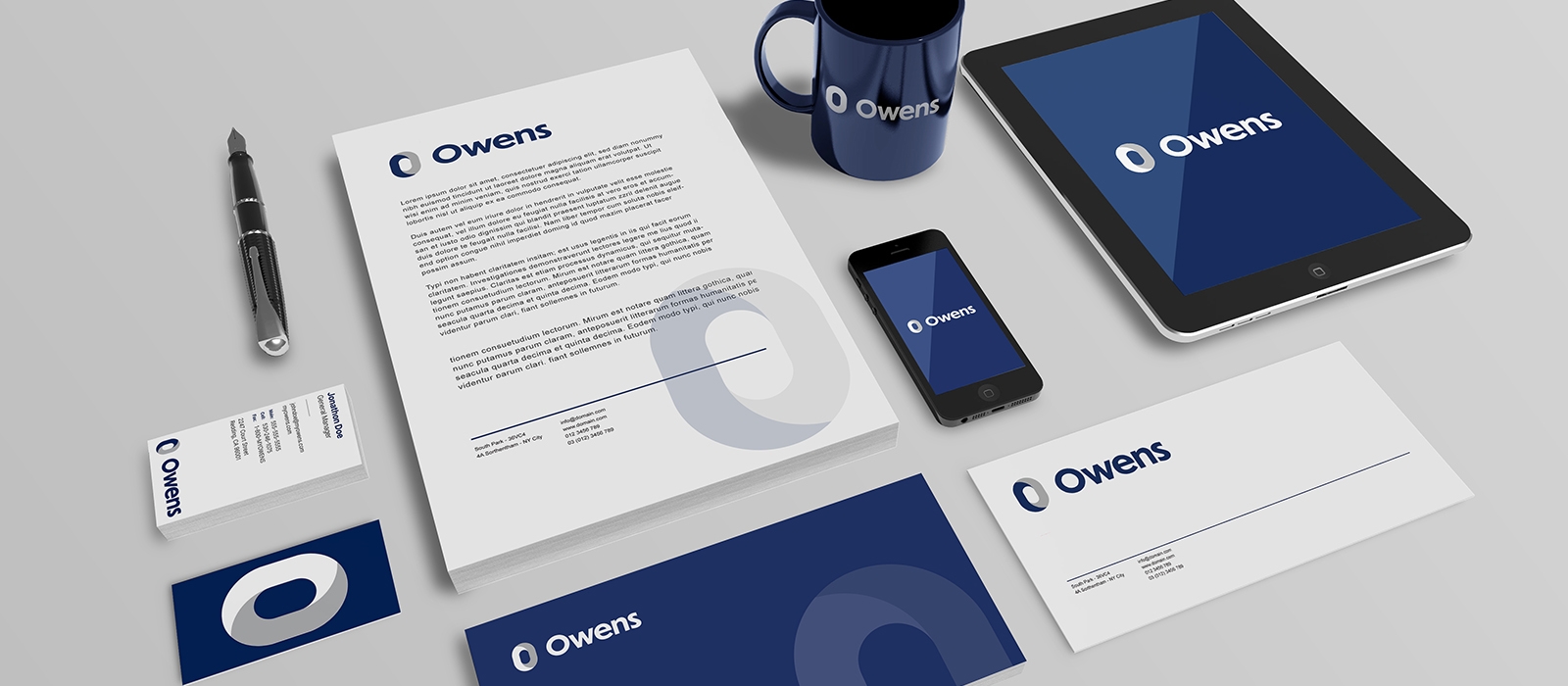
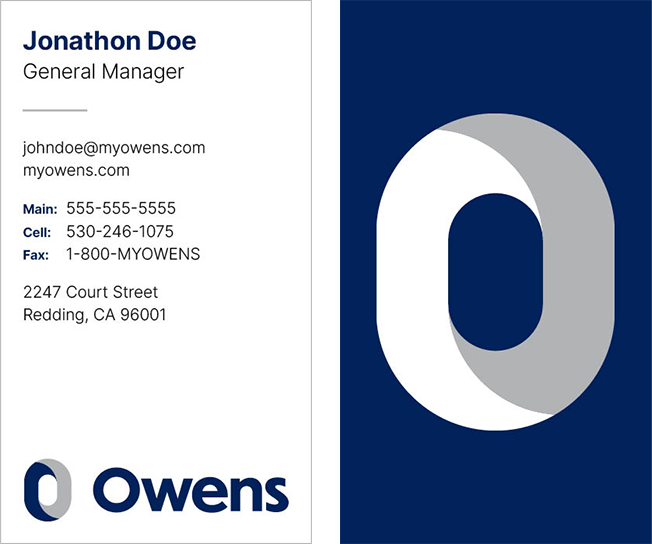
Like your logo, business cards give a lasting first impression of your brand. The look and feel of your card sets the tone for what kind of business you run, and offers a more personal way to connect with a potential client in comparison to an email.
Owens' business card design is simple, clean and professional. Its vertical format helps it stand out amongst the crowd and also provides a perfect space for the “O” graphic element on the back.
Need to order a business card? Use our online business system order form and our team will reach out within 24 hours.
Email Signature
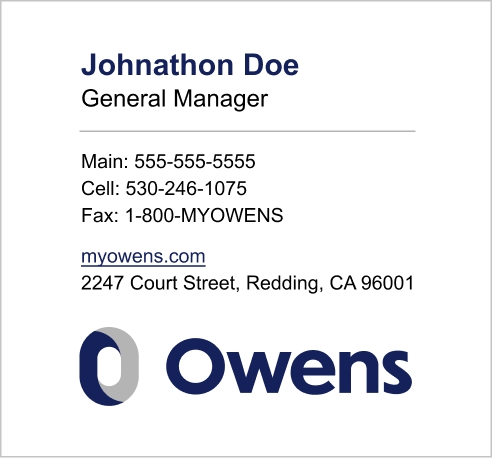
An email signature is like a digital version of your business card. It's an effective way to close out an email and ensure the receiver knows your basic personal and business information. It also strengthens your brand identity. Owens' email signature should be used by every team member that uses a myowens.com email.
To generate an email signature with your personal information, use our email signature generator.
Assets Library
Download Assets




















Email Signature Generator
Use this form to enter in your personal info and generate an Owens email signature that you can easily copy and paste into your emails.
Business Card Order Form
Use this form to order business cards for any employee. The form accepts all major credit cards and our team will email you a PDF proof for approval prior to printing and shipping.